Everything posted by THRILLHO
-
Nice [ATTACH]2989._xfImport[/ATTACH]
-
Nice work BA!
-
We’re still in this. Don’t ban @pollythewog yet
-
What a shitty giveaway. A jersey swirler? What the hell is that
-
Not good guys
-
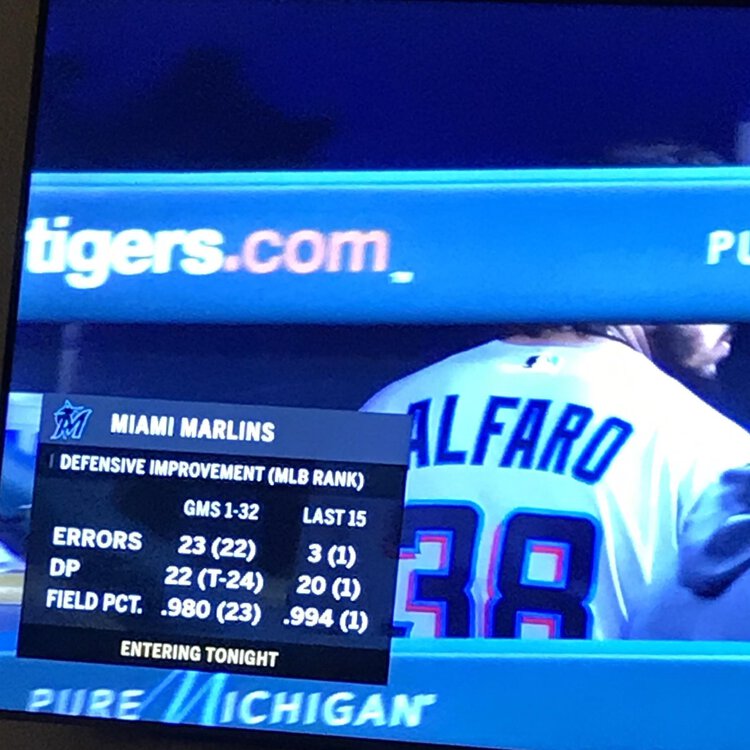
Marlins going for five straight. If the Marlins can win tonight it will be their longest winning streak since April 2016. The team had two separate four game winning streaks in 2018 and four separate four game winning streaks in 2017. You have to go all the way back to April 24-30 of 2016 to find a streak longer. The Marlins won seven straight games (all on the road of course). They finally returned home on Tuesday May 3 and drew 16,000 ( oh the horror!). The seven games won included a four game sweep of the Dodgers sandwiched in between a win at SF and two wins at Milwaukee get it done tonight Marlins!
-
Can’t believe they pulled it out. Four straight
-
[MEDIA=twitter]1128839779431452673[/MEDIA]
-
Use promo code MARLINS5 to get the discount
-
Bullshit call letting the runner go to second
-
That’s an out
-
Ronny owes us a fourth K
-
It’s like someone said “guys play like the name on the front of the shirt”
-
This is ridiculous
-
-
I think this crowd should be publicly chastised as is law when the marlins are the home team
-
Feel like Rojas should have run through that
-
-
Four more outs
-
We need a guy named Sanderson to put in CF flanked by Granderson and Anderson
-
-
Since we are playing the tigers let’s all remember Gardenhires ringtone
-
-
Looks like the tigers abandoned the larger D on the hat and have gone back to the smaller one.
-
Caleb starting. It’s going to rain Ks